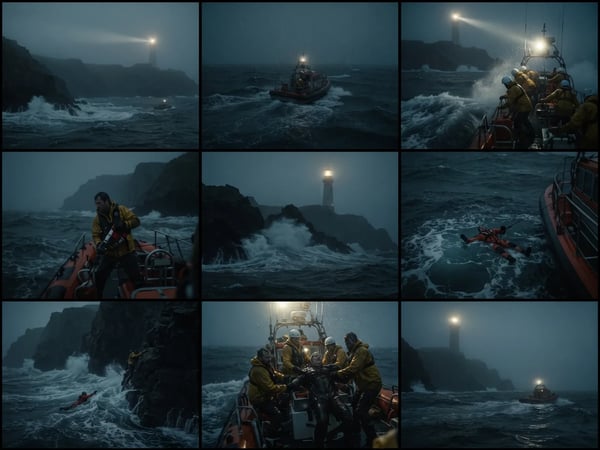
Storyboard Grid: Cinematic AI Storyboard Generator
Upload an optional visual reference and turn a scene brief into a photorealistic 9-panel cinematic storyboard grid in 2K.
Upload one image and create a clean, isolated subject while preserving its original look and delicate edges.
Remove a photo background and keep the main subject cleanly isolated.
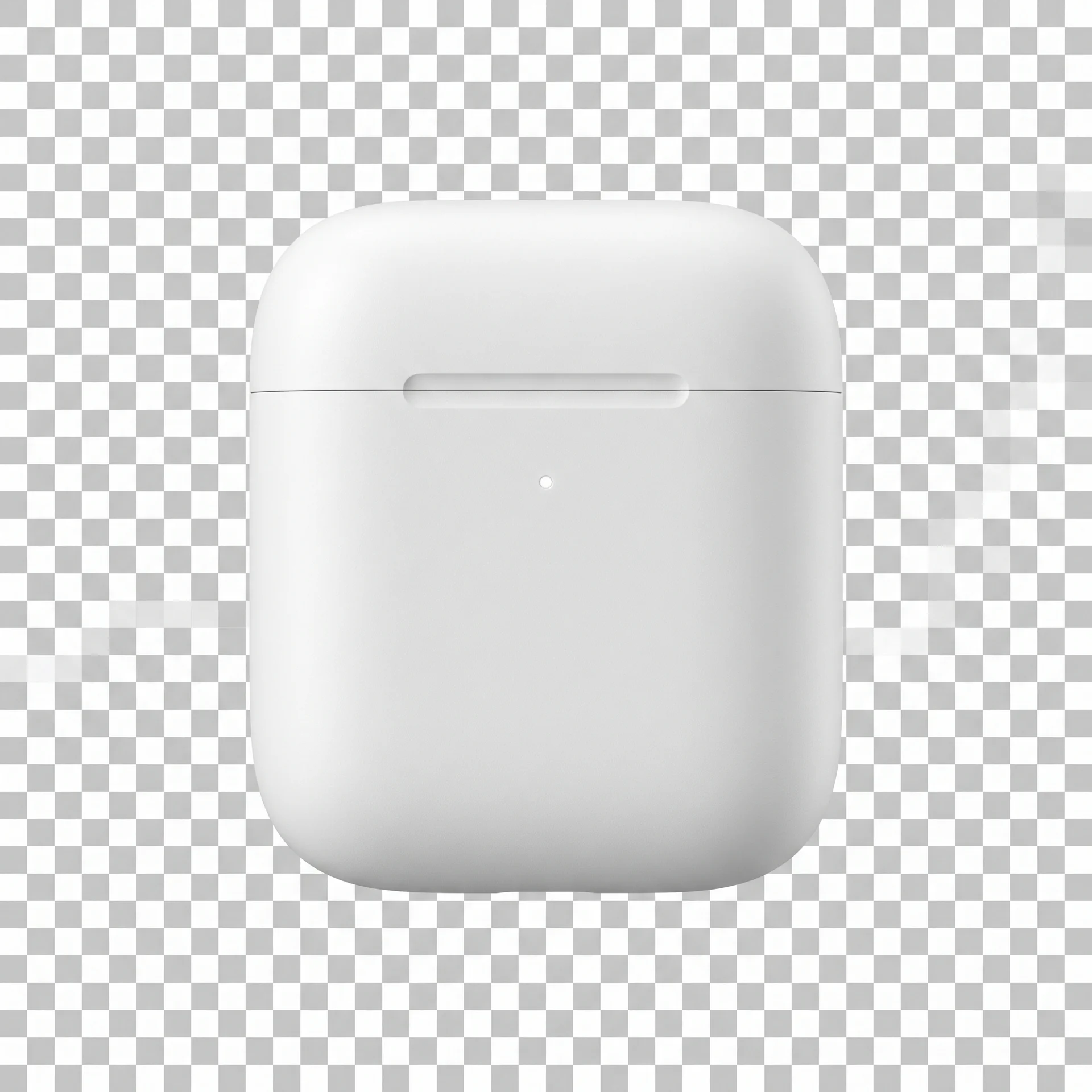
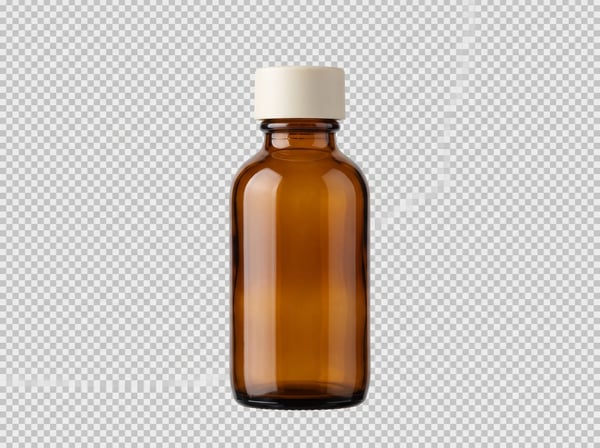
Isolate a product so you can place it on a listing, catalog, campaign, or fresh new background.
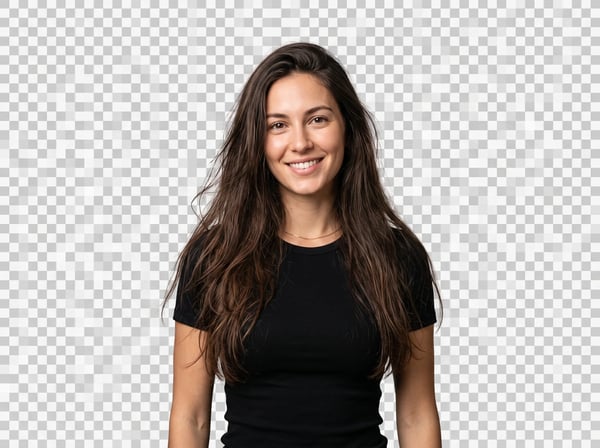
Turn on fine edge preservation for hair, fur, thin accessories, and other detailed outlines.
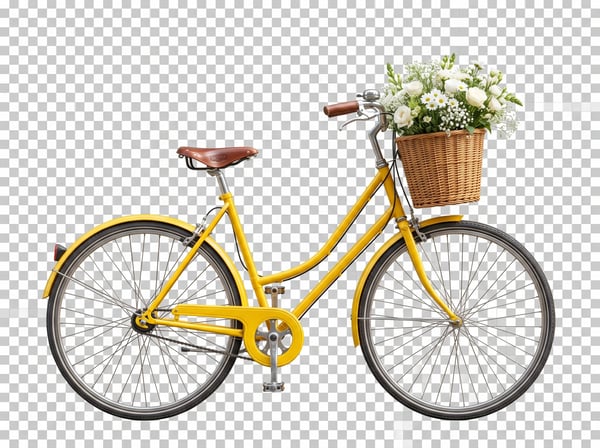
Start with one photo and let AI focus on separating the main subject from its original scene.
Quick answers about removing a photo background with Kolors AI.
Upload a photo and isolate its main subject for your next creative task.
Start with a focused creative workflow, then make it your own.
Upload an optional visual reference and turn a scene brief into a photorealistic 9-panel cinematic storyboard grid in 2K.
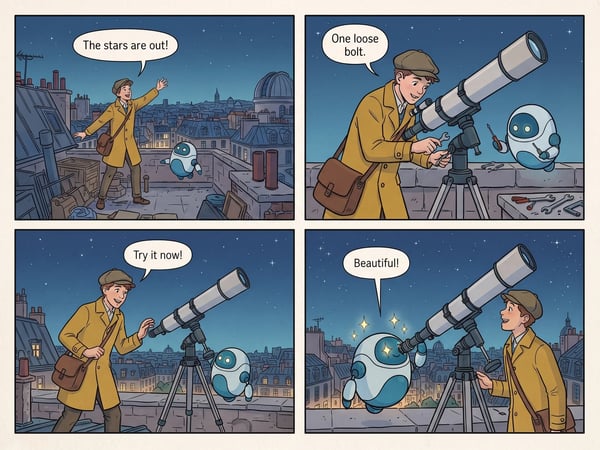
Turn a short premise into a complete four-panel comic strip with dialogue.
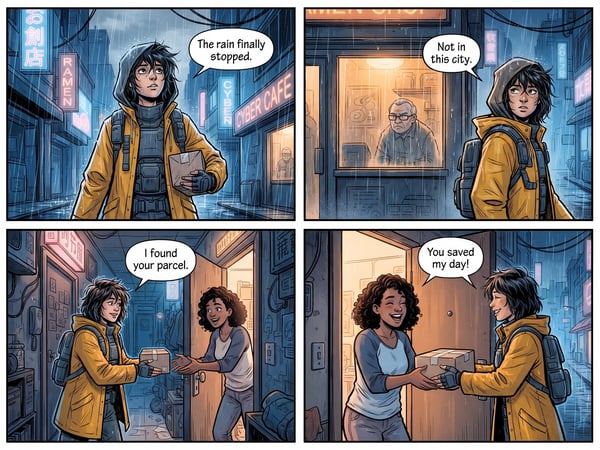
Translate dialogue in one comic page while preserving its panels, artwork, and reading flow.
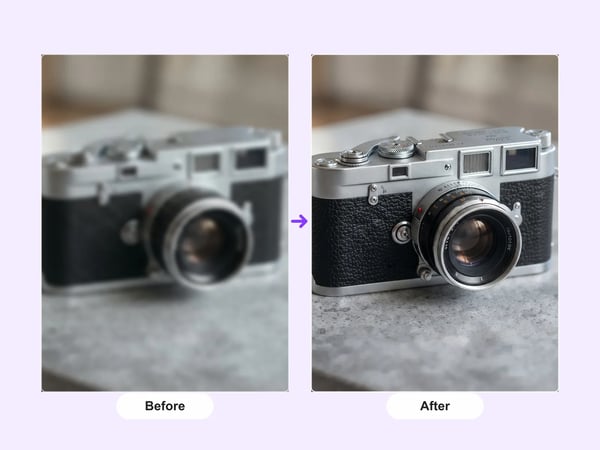
Upscale portraits and images to 2K while preserving identity, composition, and natural detail.
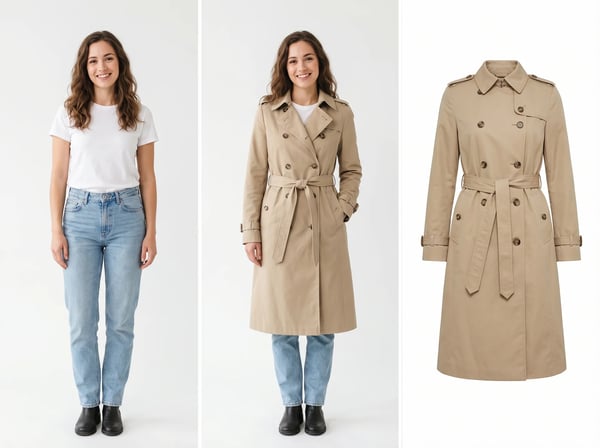
Upload a model photo and clothing references to create a realistic fashion try-on.
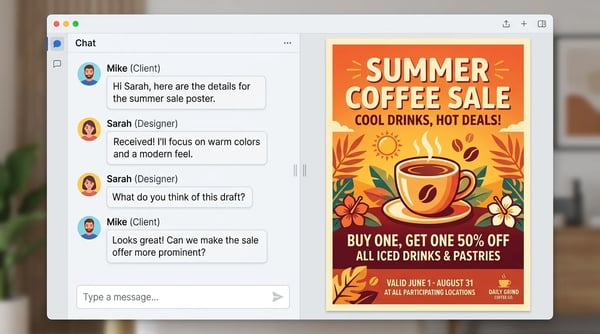
Create a polished poster from a short brief and optional reference image.
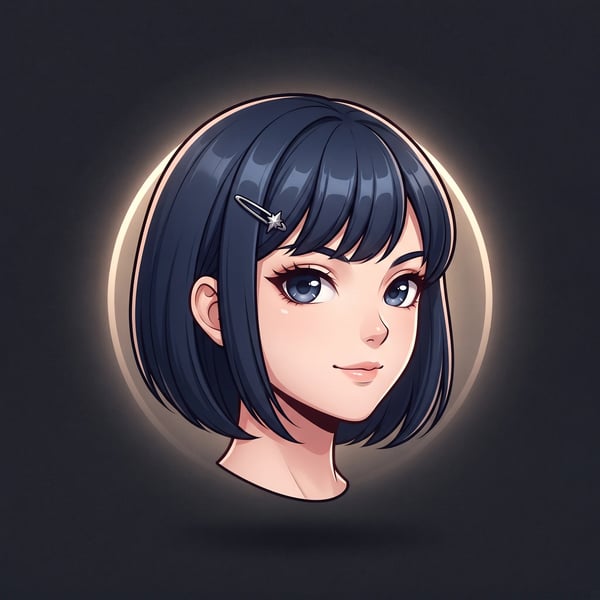
Turn a portrait into a polished floating anime head avatar while preserving recognizable features.
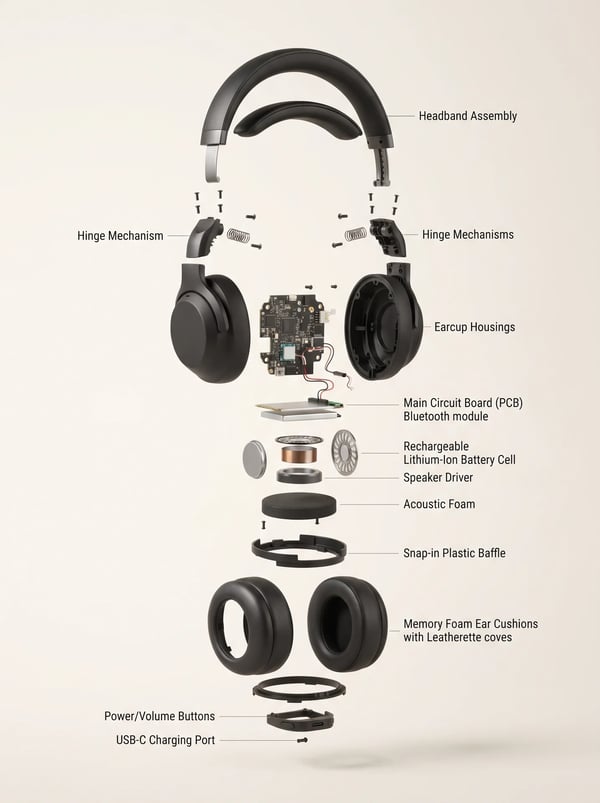
Turn a product reference into a clear, premium exploded assembly image.
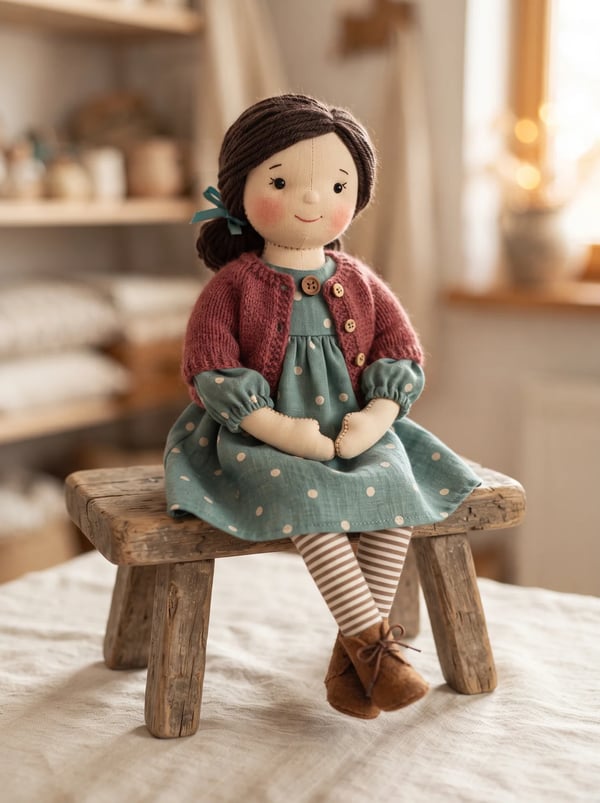
Transform a person photo into a charming handmade rag doll while preserving recognizable features, clothing cues, and personality.
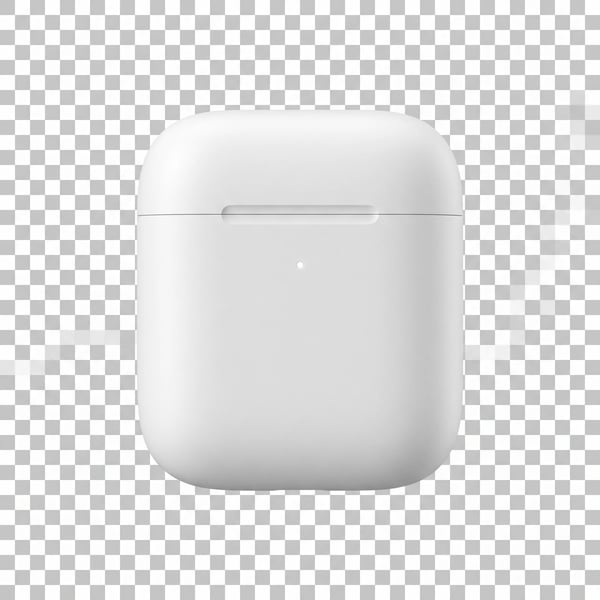
Remove a photo background and keep the main subject cleanly isolated.
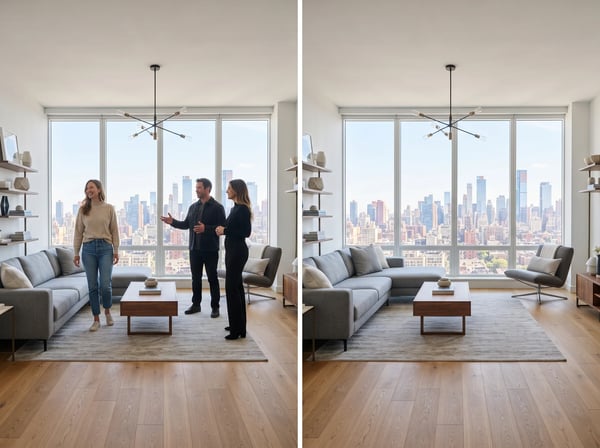
Remove unwanted people from a photo while keeping the scene natural.