One clear page to start
Upload a page where bubbles, captions, and panel details are easy to inspect.
Upload a comic or manga page, choose a target language, and create a translated reading draft while preserving its panels, characters, and artwork.
Translate dialogue in one comic page while preserving its panels, artwork, and reading flow.
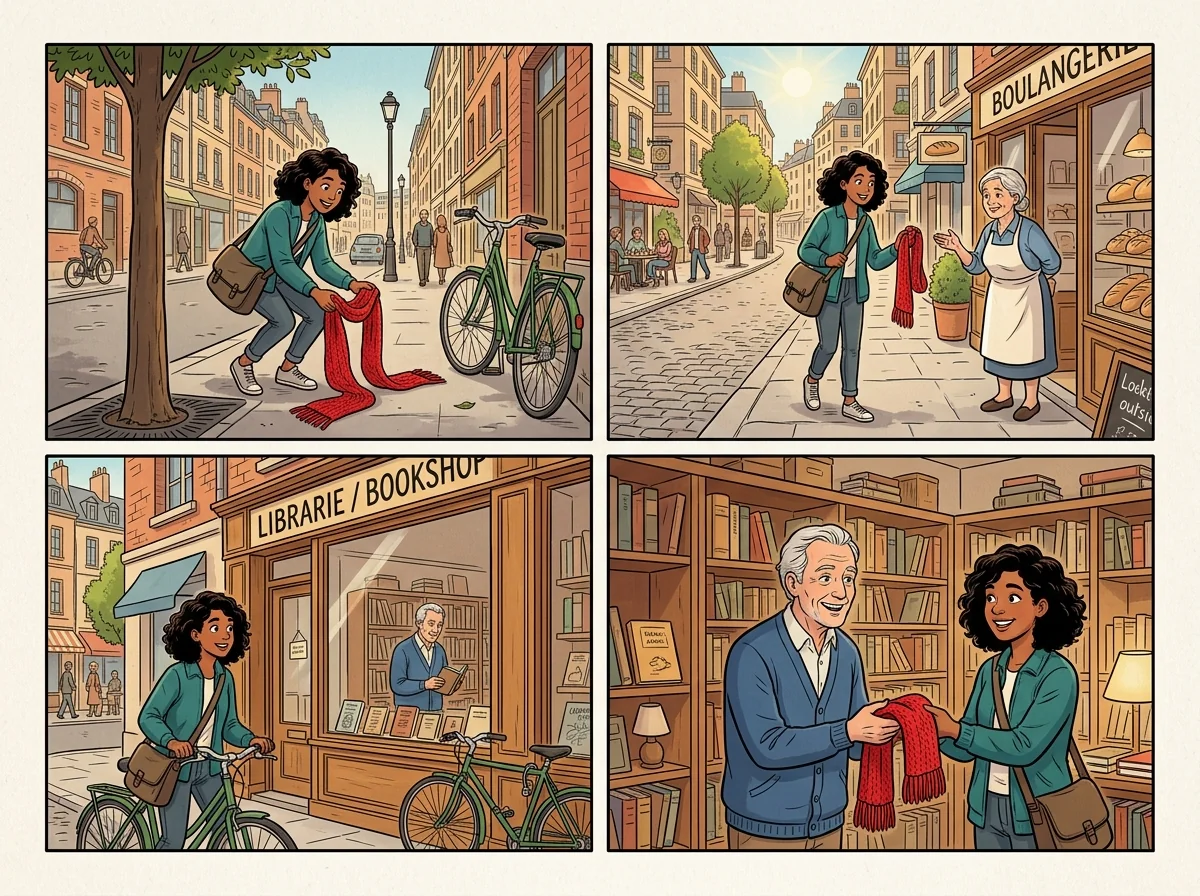
Start with a complete page so dialogue, captions, and panel order remain part of the same readable image.
The image-editing workflow directs the AI to preserve characters, linework, scenes, and panel boundaries while replacing visible text.
Create a draft in English, Simplified Chinese, Japanese, Korean, or Spanish for reading, reference, or sharing.
AI Comic Translator is a focused image editor for one comic or manga page. Upload the page and select a target language. The AI attempts to replace dialogue and captions with translated lettering while retaining the original page structure and illustration. Review important names, jokes, tone, and terminology before using the result.
Upload a page where bubbles, captions, and panel details are easy to inspect.
The result places translated dialogue back into the page instead of separating text into another document.
The prompt prioritizes the original panel order, character appearance, linework, and atmosphere.
Check names, puns, tone, and essential terminology after generation before sharing or publishing.
Begin with a single, clear page. The result is a translation draft, so proofread it before relying on it for important reading or publication.
Choose a complete comic or manga page with visible dialogue, captions, and panel boundaries.
Choose English, Simplified Chinese, Japanese, Korean, or Spanish for the lettering in the generated page.
The AI edits the supplied image, attempting to replace source text while keeping the source artwork and panel layout.
Inspect each bubble and caption, then confirm wording, names, terms, and lettering before downloading.
Use a translated comic-page draft when you need a visual reading aid, reference version, or starting point for editorial work.
Make a translated draft of a page you are studying, then compare it with the original for context.
Use the translated lettering as a reading aid while checking vocabulary, idioms, and character voice against the source page.
Create an initial visual draft for a translator or editor to review, correct, and typeset to the required standard.
Give collaborators a page-level translation draft that keeps the visual context of each line.
Common questions about translating a single comic or manga page with AI.
Upload one clear page, select a target language, and create a visual translation draft to review.