Remove Unwanted People From Photos
Upload a photo, choose whether to keep the main subject, and let AI remove distracting people while rebuilding the background naturally.
Remove People from Photo
Remove unwanted people from a photo while keeping the scene natural.
Clean Photos for Travel, Property, and Campaigns
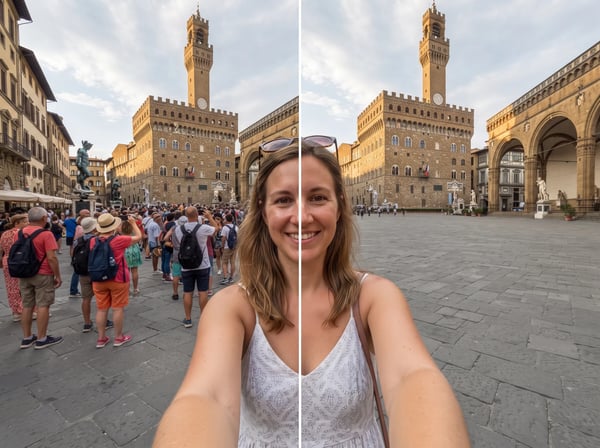
Make Travel Photos Feel Like You Had the Place to Yourself
Remove tourists, passersby, and crowded-background distractions from landmark, street, and vacation photography. Keep the original atmosphere while giving the scene room to breathe.
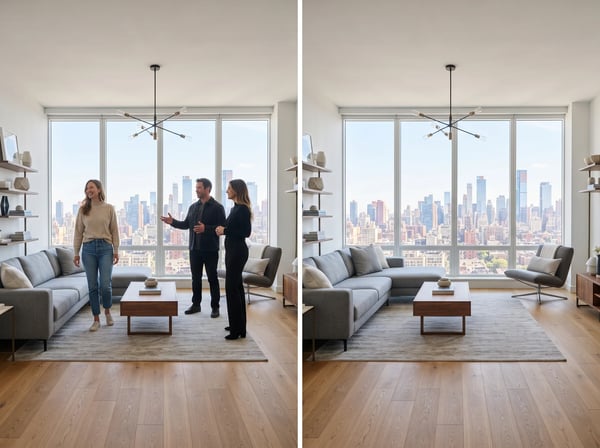
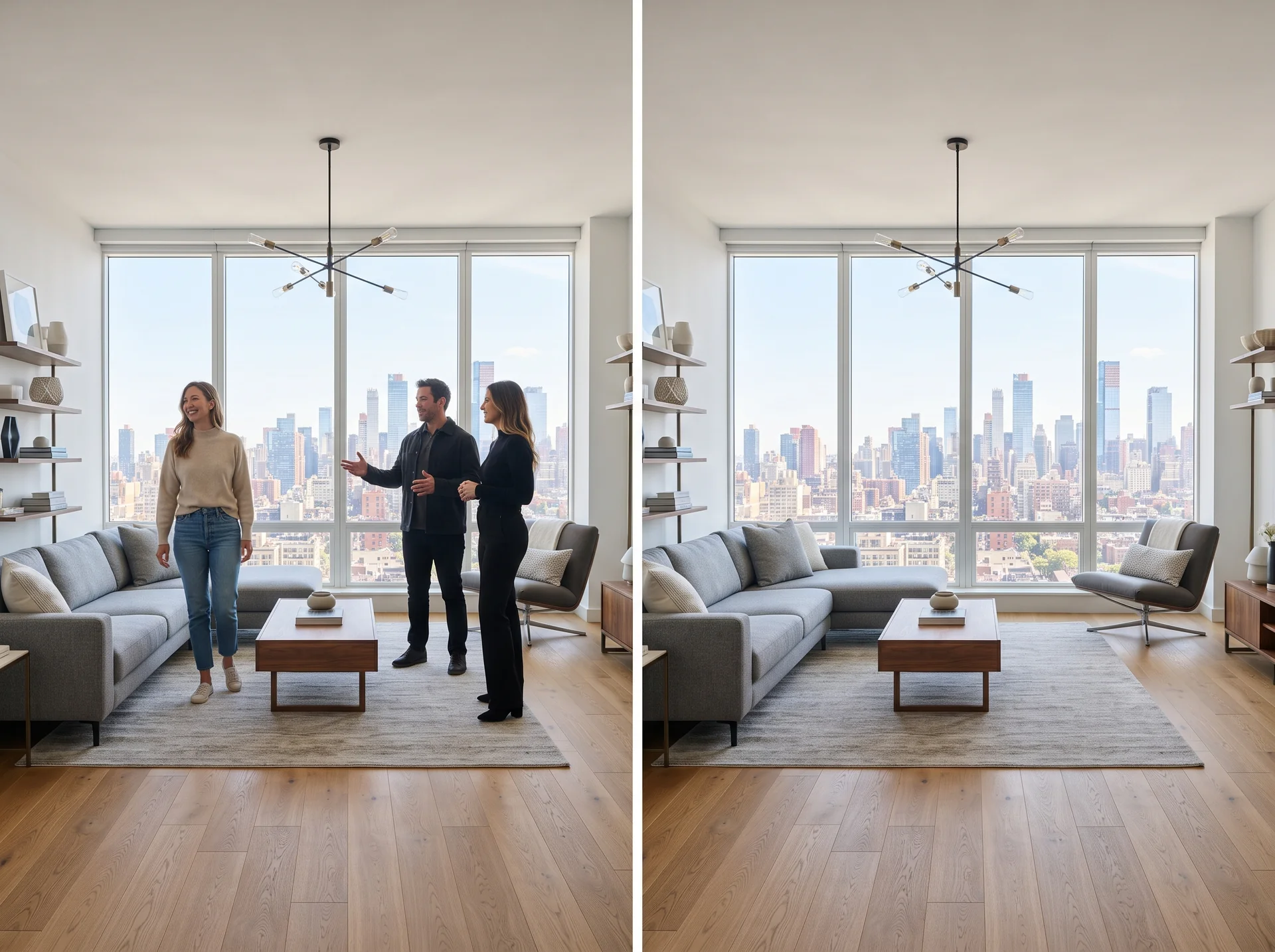
Prepare Clean Real Estate Listing Images
Clear people from interior, exterior, and amenity photos before a property goes live. The result is a more focused listing image that keeps architecture, lighting, and room details intact.
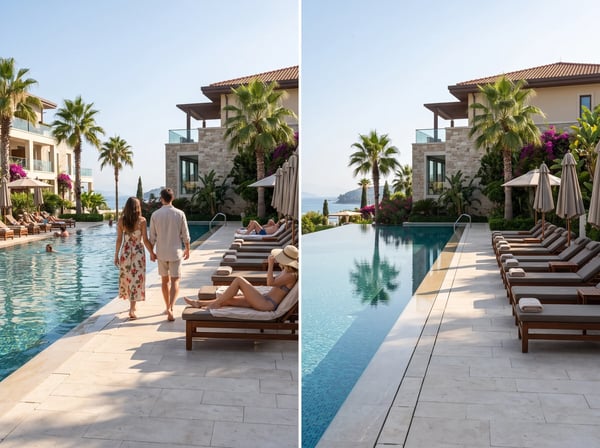
Refine Hotel and Hospitality Photography
Create calm, polished visuals for hotels, resorts, restaurants, and venues without waiting for an empty moment. Remove guests while preserving the details that make the space feel inviting.
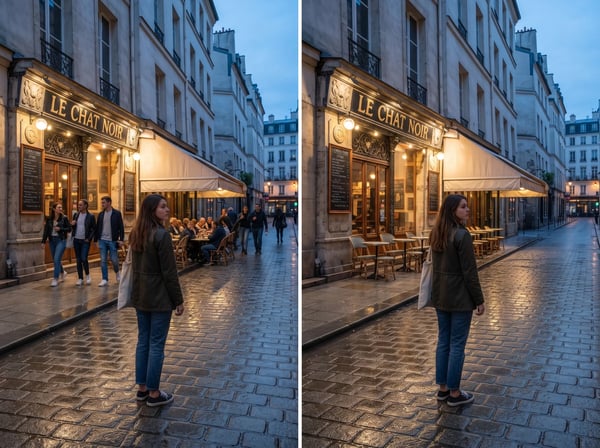
Keep the Main Subject, Lose the Distractions
Turn on Keep the main subject when a portrait, couple, product, or focal moment should stay. Kolors AI preserves that focus and removes other people around it.
Clean Up Event and Social Content Fast
Rescue event, brand, and social images when an unwanted person walks into frame. Produce a cleaner final asset for ads, posts, presentations, and campaign pages without a reshoot.
AI People Remover: Frequently Asked Questions
Everything you need to know about removing people from photos with Kolors AI.
Create a Cleaner Photo in Seconds
Remove people, keep the focus, and get a polished image ready for your next listing, trip, or campaign.