Start with one product photo
Upload a clean product image to give the generated composition a clear reference for its silhouette, materials, colors, and proportions.
Upload a product photo and create a premium exploded-view concept image for product storytelling, design exploration, or campaign direction.
Turn a product reference into a clear, premium exploded assembly image.
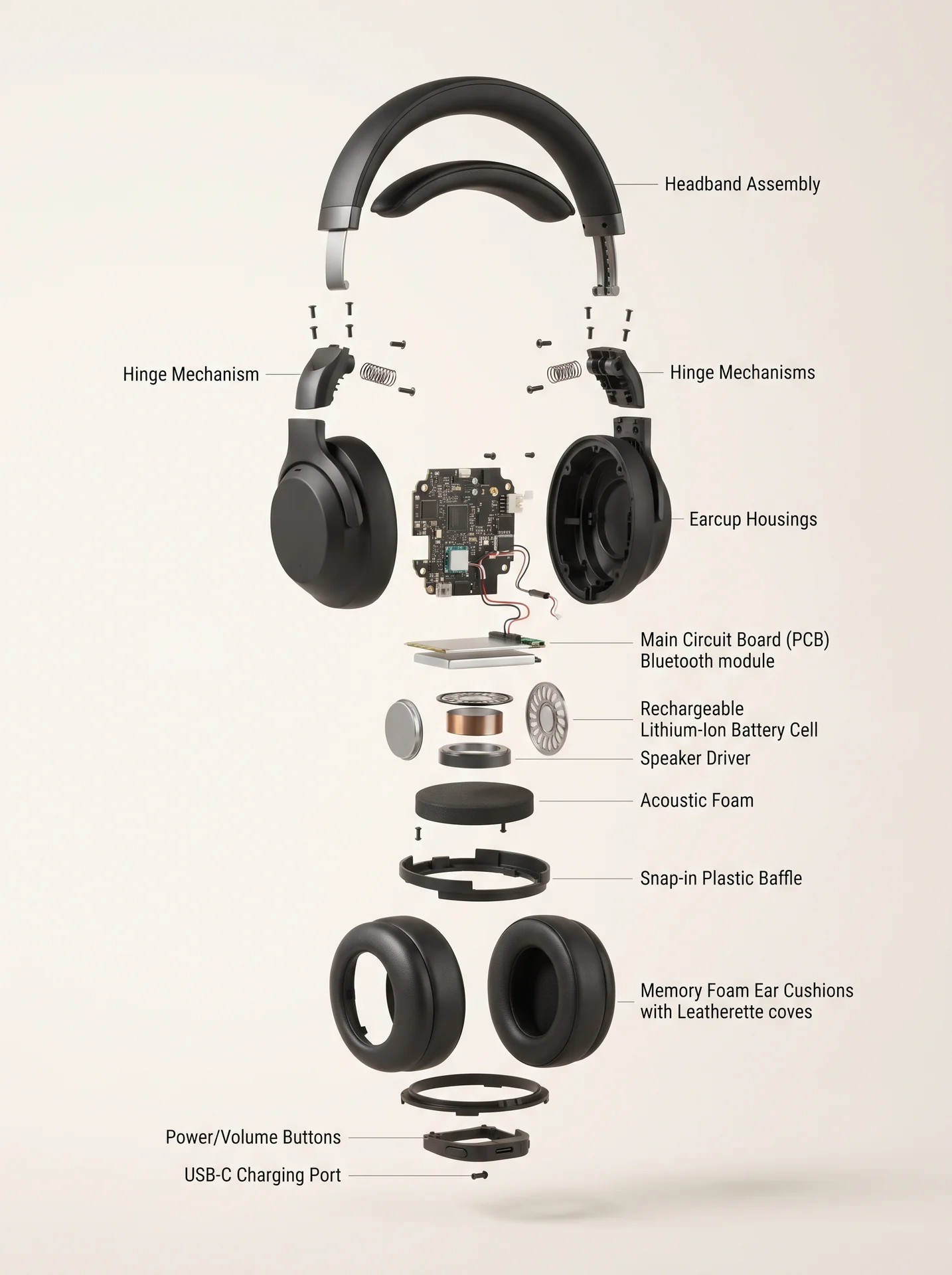
This image-to-image tool turns one product reference into a generated exploded-view concept image. It is for visual communication and creative direction, not CAD, manufacturing, or verified assembly documentation.
Upload a clean product image to give the generated composition a clear reference for its silhouette, materials, colors, and proportions.
Select studio product render, technical assembly, or luxury campaign styling to set the look of the exploded-view concept.
Add optional direction such as a side view, a feature to emphasize, or whether to show accessories.
Generated parts and labels are visual interpretations. Review them independently before using anything as a technical, service, or manufacturing reference.

The configured generation uses your uploaded product image as the source for a clear, separated-component composition rather than starting from a text-only prompt.

Choose studio product render for a clean presentation, technical assembly for an engineering-inspired look, or luxury campaign for a more editorial direction.
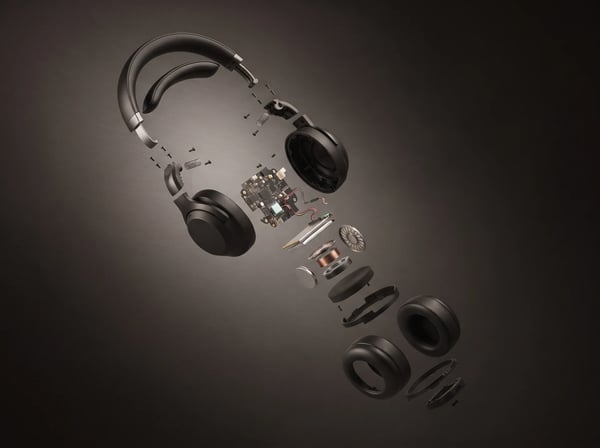
Use the optional direction field to call out a battery, accessories, a side view, or another visual priority before generating.
Use this tool when you need an image-led product breakdown. Use CAD and engineering review when the parts, fit, labels, or instructions must be correct.
| Manual visual or CAD workflow | This image workflow | |
|---|---|---|
| Starting material | Separate source assets, 3D models, or an assembly file | One product reference image |
| Primary purpose | Technical documentation or manually composed product art | A generated product-exploded-view concept image |
| Control available here | Model, layout, and annotation control in specialist tools | Reference photo, one visual style, and optional direction |
| Technical reliability | Requires source verification and engineering review | Generated components and labels require independent verification |
Create an exploded product-view concept image in three focused steps.
Choose one product image with a clear subject so the tool has a useful visual reference.
Select studio product render, technical assembly, or luxury campaign, then add optional notes about the view or details to emphasize.
Generate the exploded product view, then review all parts and labels before using it in any technical context.
Use an image-led product breakdown when you need to communicate a product idea, not certify its construction.
Explore a separated-component visual for a launch concept, art direction board, or presentation draft.
Create a concept visual that helps frame materials, accessories, or component relationships for a product story.
Try different exploded-view directions from the same reference image while developing a visual treatment.
Develop an engineering-inspired product image for a creative social post or campaign concept, subject to your own review.
Answers about creating an exploded product-view concept image from a photo.
Upload one clean product photo, choose a visual direction, and generate an exploded-view image for your next product story.